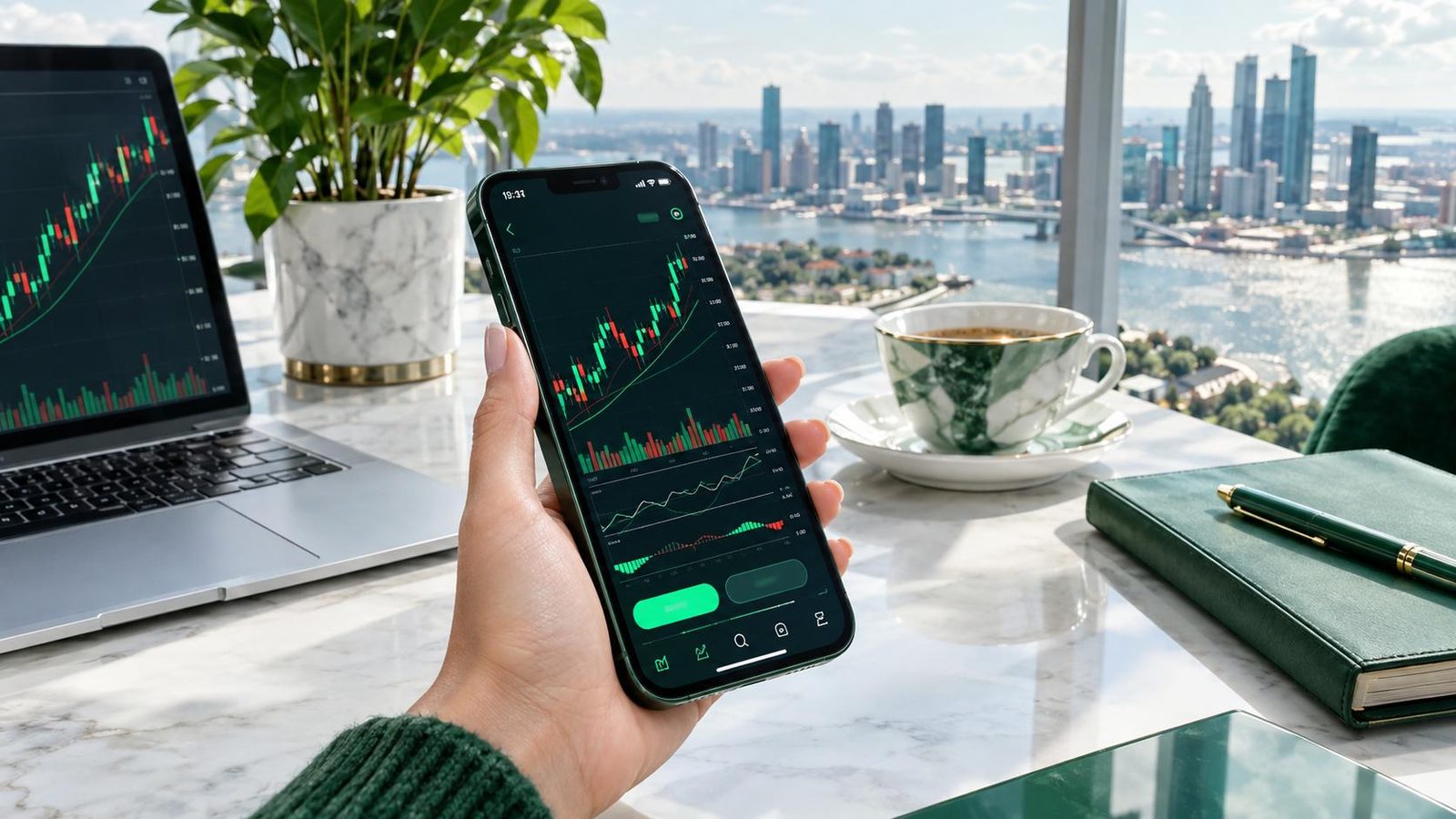




























01What You Can Trade in the QTFX Markets App
The QTFX Markets app gives access to contracts for difference (CFDs) across five broad market groups. A CFD lets you speculate on whether a price will rise or fall without owning the underlying asset, which is why you can open a position in either direction. If the idea is new to you, start with our plain-English explainer on what CFD trading is.
| Market group | Typical examples | What tends to move it |
|---|---|---|
| Gold and metals | XAUUSD, XAGUSD | US dollar, real interest rates, risk sentiment |
| Forex | EUR/USD, GBP/USD, USD/JPY | Central bank policy, economic data, capital flows |
| US stocks | Large-cap company share CFDs | Earnings, guidance, sector news |
| Indices | US30, Nasdaq 100, S&P 500 | Broad economic outlook, interest rates, big-tech results |
| Commodities | WTI and Brent crude oil | Supply decisions, inventories, global demand |
Product lists can vary by region, so the instruments you see inside the app are the ones that apply to your account.
02Core Features at a Glance
Rather than promising everything, it helps to know exactly what the QTFX Markets app is designed to do. These are the features you will use most often:
- Quotes and watchlists: browse live market quotes, price changes, spreads and daily highs and lows, then pin favourite instruments to a custom watchlist.
- Charts: switch between interactive candlestick and line charts across multiple timeframes, from short intraday views to longer-term trends.
- Orders: place market orders for immediate execution, or limit and stop orders that wait for your chosen price.
- Risk tools: attach protective levels so a position can close automatically if the market moves against you.
- Position monitoring: see open, pending and closed positions with real-time profit and loss.
- Funding: deposit and withdraw through multiple payment channels, depending on what is offered where you live.
Data is encrypted in transit, and users can request deletion of their data through the app’s support channels.
03Demo Account or Live Account?
Choosing the right account type is the first real decision you make. A demo account uses virtual funds and real market prices, so you can learn the order screen, test position sizes and see how swings in gold or currencies feel without financial consequences. A live account uses your own money, and every gain or loss is real.
When a demo account makes sense
- You have never placed a leveraged trade before.
- You want to test a new strategy or timeframe.
- You are learning how stop and limit orders behave in fast markets.
When moving to live may be reasonable
- You follow a written plan and have tracked results over several weeks.
- You understand how margin and margin calls work and can explain them in your own words.
- You are prepared to start with a small amount you could lose without hardship.
A demo result is not a forecast of live performance: real money changes how people behave, and that difference matters.
04Gold: The Market Many Users Start With
Gold attracts attention because it reacts clearly to big themes such as inflation, interest rates and geopolitical stress. In the QTFX Markets app, gold is usually quoted against the US dollar as XAUUSD, and you can follow the price, view its chart and trade gold CFDs from the same screen.
Before trading it, read our step-by-step guide on how to trade gold, then look at what the XAUUSD symbol means and how a one-dollar move translates into profit or loss. Gold can move quickly around US data releases, so understanding position size matters more than picking direction.
05How to Get Started in Five Steps
- Install from the official listing. Search for QTFX Markets on Google Play and confirm the developer is Quantwave (HK) Limited. Our QTFX Markets download guide walks through installation and first launch.
- Open a demo account. Inside the QTFX Markets app, explore quotes, charts and the order ticket with virtual funds.
- Learn the cost structure. Spreads, overnight financing and any commissions affect every trade.
- Write a simple risk plan. Decide the maximum you will risk on one trade and in one day.
- Go live only when ready. Complete account verification, fund through an available payment channel and start small.
None of these steps can remove market risk, but together they reduce avoidable mistakes such as oversized positions or trading without a stop.
06Explore the Guide Library
The guides on QTFX.net are grouped into clusters so you can build knowledge in a logical order:
- Markets: gold, XAUUSD, silver, oil, US stock CFDs, indices, forex and currency pairs.
- Trading mechanics: leverage, margin, spreads and swap, order types and stop-loss placement.
- Analysis: candlestick patterns, RSI and MACD, support and resistance, the economic calendar and market hours.
- Getting started: opening an account, demo practice, deposits and withdrawals, and a calculator for pip value and position size.
If you only read one mechanics guide, make it the one explaining leverage in trading, because leverage shapes the size of every win and every loss.

07A Clear Word on Risk
CFDs are complex instruments and carry a high risk of losing money rapidly due to leverage. Price gaps, fast news-driven moves and oversized positions can produce losses larger than you expect. Only trade with money you can afford to lose, and never borrow to fund a trading account.
Products and availability depend on your region and local law. Check that CFD trading is permitted where you live before opening a live account.
This site does not give personal financial advice. The guides explain how things work so you can make your own informed decisions.
Questions readers ask
What is the QTFX Markets app?
QTFX Markets is an Android app published on Google Play by Quantwave (HK) Limited. It lets users trade CFDs on gold, forex, stocks, indices and commodities, open demo or live accounts, place market, limit and stop orders, track profit and loss in real time and view interactive charts. Available products depend on your region.
Can I practise before risking real money?
Yes. The app supports demo accounts that use virtual funds with real market prices. Practising on demo is a sensible way to learn the order screen, test position sizes and understand how leverage affects results. Keep in mind that demo trading does not capture the emotional pressure of live trading, so start small when you switch.
Is the app available on iPhone?
The verified listing for QTFX Markets is on Google Play for Android devices. This site only covers the Android version and the official Google Play listing. To stay safe, install trading apps only from official store listings and check the developer name before entering any personal or payment information.
Does QTFX Markets support cryptocurrency trading?
Cryptocurrency is not listed among the app’s markets. The verified product groups are CFDs on gold, forex, stocks, indices and commodities. If you are looking for crypto exposure, this app is not described as offering it, so focus your learning on the markets it does cover and check the in-app instrument list for your region.